01
Reader
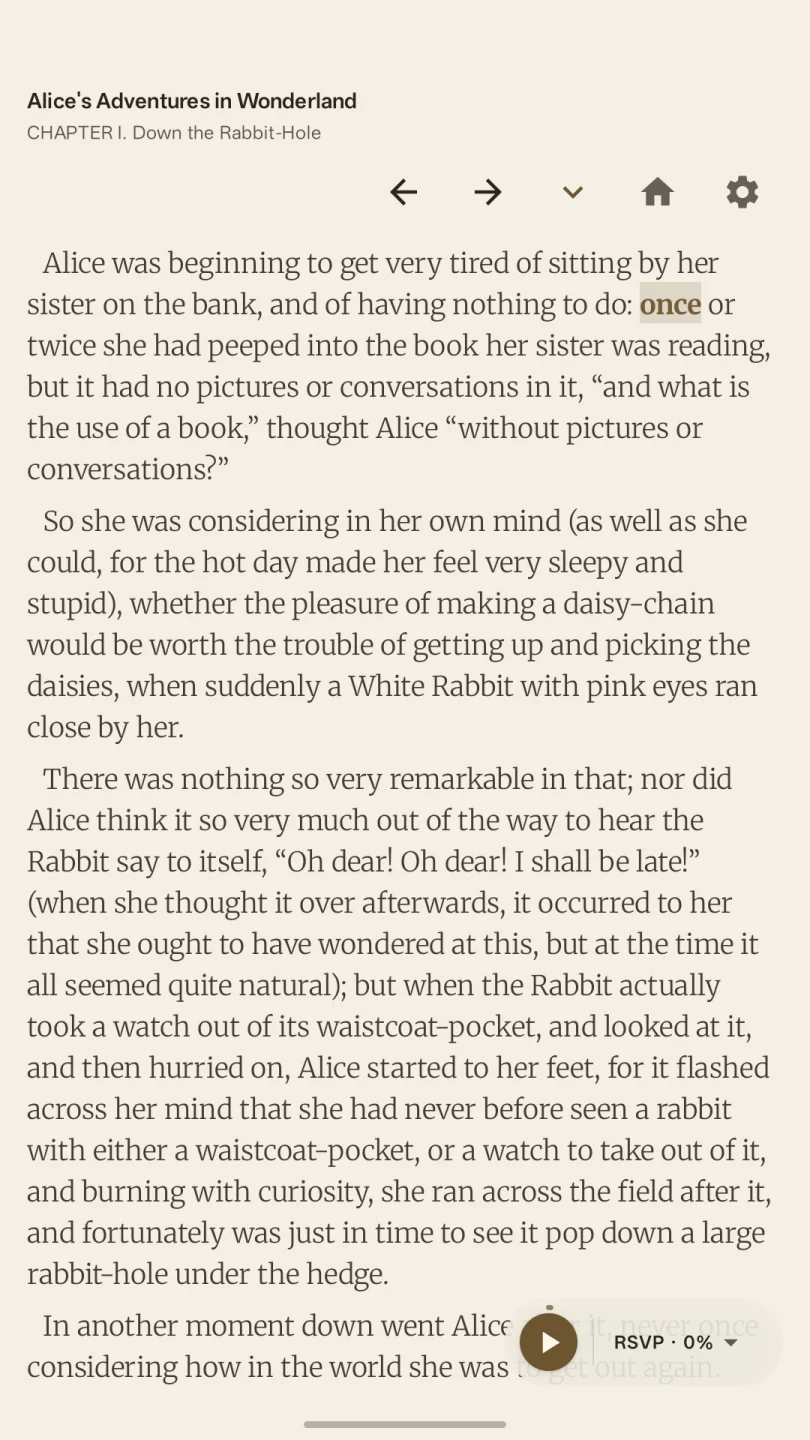
Stay with the whole page.
Scrollable chapters, inline images, table of contents, bookmarks, progress and a movable focus word.
Kairo 1.1 · Free on Android
Your books. Your pace. A thoughtful Android reader that lets you settle into a page, find your focus, and keep the world on pause.
Speed without chaos.
Focus without clutter.
Your library without the cloud.
One continuous reading flow
Kairo keeps the library, the page and your accelerated reading modes connected. Pick the experience that fits the next passage.
Reader
Scrollable chapters, inline images, table of contents, bookmarks, progress and a movable focus word.
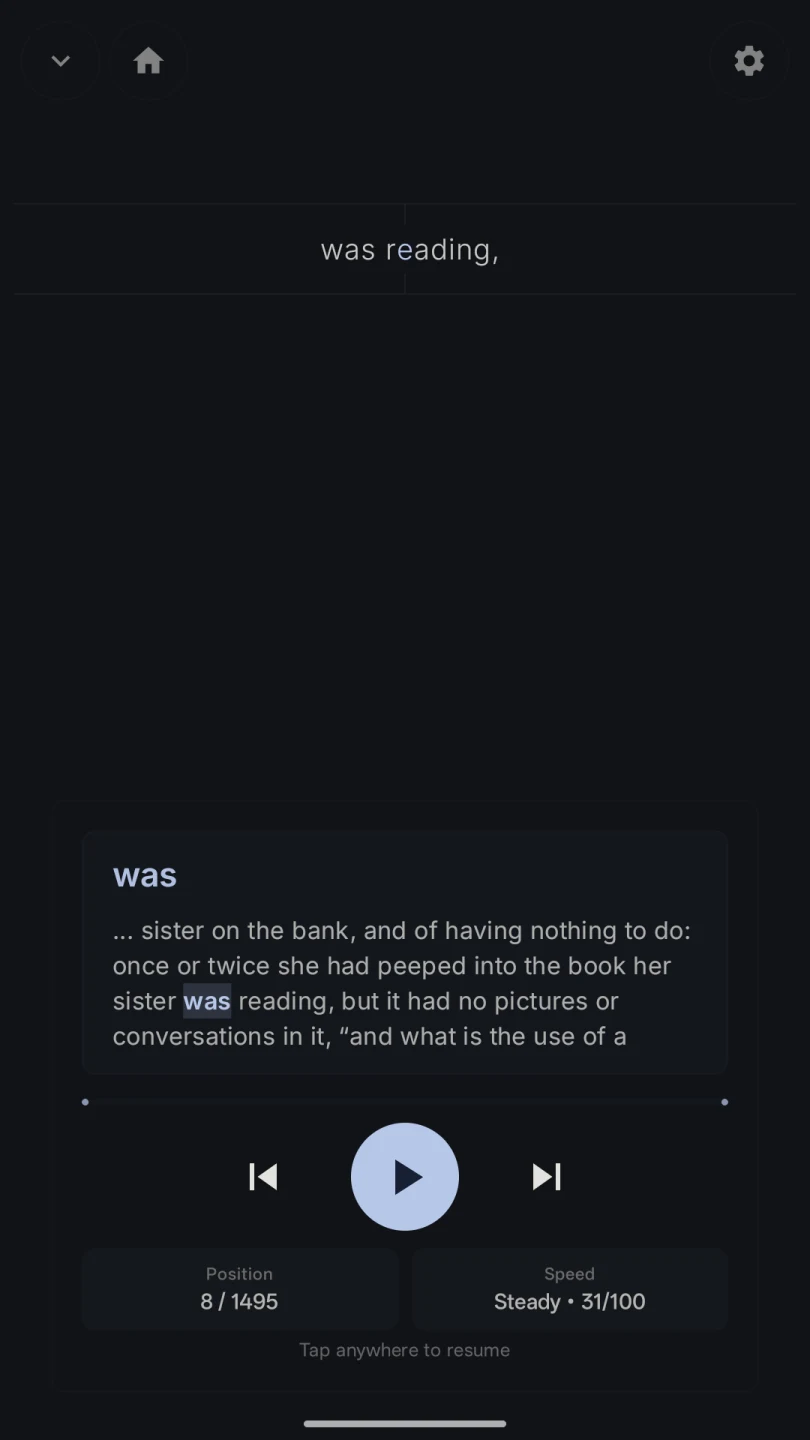
Adaptive RSVP
ORP alignment and timing shaped by punctuation, length, syllables, clauses and readability.
Bionic Reading
Timed text chunks with emphasised beginnings give you momentum while keeping more sentence context in view.
Reading should feel intentional. Context creates momentum.
Power when you want it
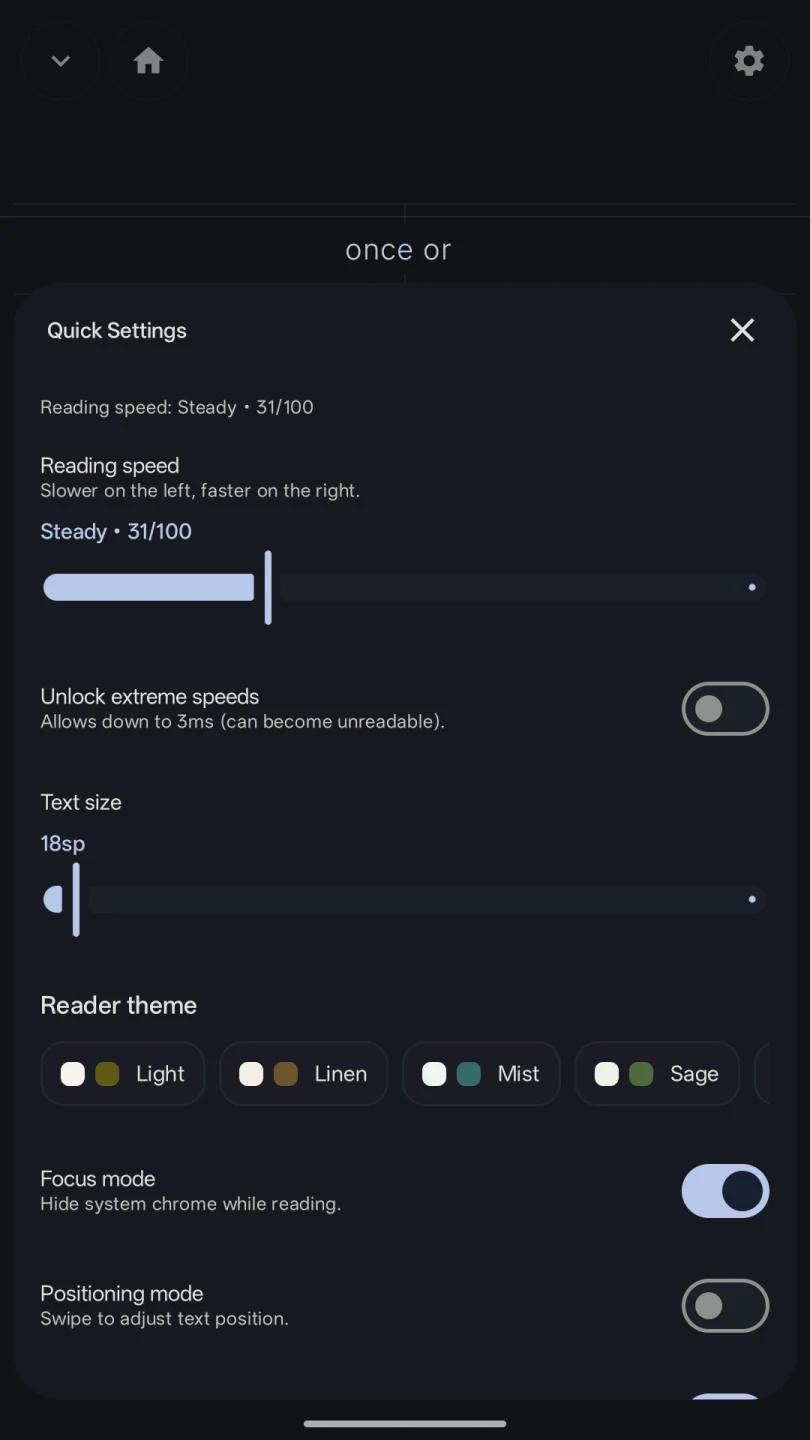
Start with a profile, press play and read. When you want finer control, Kairo exposes the pacing, typography, brightness and focus settings that actually change how a session feels.
Inside Kairo
From your first import to the last page. Explore the little details that make Kairo feel like your own reading space.
Designed around attention
The details are quiet, but they are not shallow.
Focus mode
Use a full-screen reader and optionally engage Android Do Not Disturb during focused sessions.
Six reader themes
Reading state
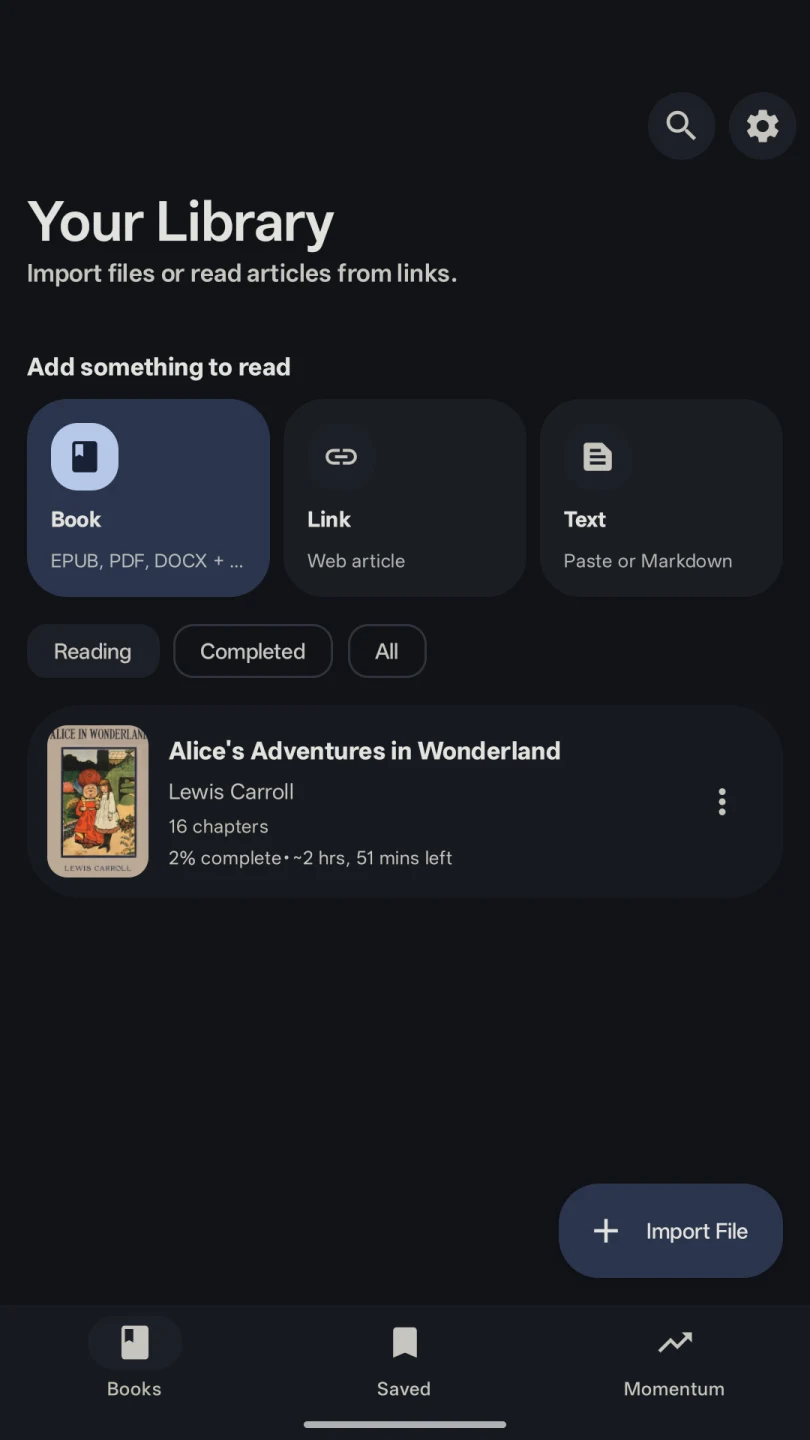
Books, bookmarks, completion, progress and preferences stay connected on your device.
Context assist
Optional previous and upcoming word cues soften the edges of single-focus RSVP.
Kairo 1.1 format support
Choose a supported file from Android storage. Kairo detects it automatically, builds a local library entry and opens the same focused reading toolkit.
DRM-free files only. PDFs require selectable text; image-only and scanned PDFs are not supported yet.
Local-first by design
Kairo has no account system, ads or analytics SDKs. Imported files, extracted content, progress, bookmarks and preferences stay in app-private storage.
Internet access supports Google Play's flexible update flow. It is not used to upload your library or reading activity to a Kairo server.
Read the privacy policyFree and open source
Inspect the code, report an issue or help make focused reading better. Kairo is a native Kotlin and Jetpack Compose project on GitHub.
Questions, answered
Still wondering about a file or feature? Email kairoapp@proton.me.
Kairo is a free Android reading app for your own DRM-free ebooks and documents. It combines a normal reader with adaptive RSVP and Bionic Reading modes, while keeping books, progress and preferences on your device.
Kairo 1.1 supports EPUB, MOBI, PRC, AZW, FB2 and FB2.ZIP ebooks; DOCX and text-based PDF documents; and TXT, Markdown, HTML and HTM text files.
RSVP keeps your eyes at one focal point while words or short phrases change. Bionic Reading shows larger timed chunks and emphasises word beginnings, giving you more surrounding context. Kairo lets you choose either from the same reading position.
No. Imported content, bookmarks, progress and reader preferences stay in app-private storage. Kairo has no accounts, ads or analytics SDKs. Internet access is used for Google Play's in-app update flow, not to send your reading data to a Kairo server.
Not currently. PDFs need selectable text, because Kairo does not perform OCR. Vendor-locked or DRM-protected ebooks are also outside the current parser pipeline.
Kairo supports Android 7.0 (API 24) and newer and is available free on Google Play.
Reading guides
Clear, focused guides to the formats and reading modes available in Kairo 1.1.
Your next chapter, in motion
Kairo is free on Android 7.0 and newer.
Get it onGoogle Play